Creating a brand book is mostly collecting decisions you've already made and writing them down clearly. If you have a logo, a website and a few social posts, most of the work is done. Here's how to turn that into a book people will actually use.
Step 1: Gather what already exists
Before designing anything, collect:
- Logo files. The original vector file (SVG, AI or EPS) if you have it, plus PNGs.
- Colors. The exact codes, not "our blue". Your website's code or your designer's files will have them.
- Fonts. The names of your heading and body fonts and where they come from.
- Writing. Your homepage, an email you were proud of, a few social posts.
- Photos and screenshots. Products, team, places, interfaces.
If your colors and fonts live on a website, you can pull them from the site's code with your browser's inspector, or let a tool read them for you.
Step 2: Decide the roles of your colors
A list of colors isn't enough. Decide what each one does: which is the main color for buttons and links, which is the accent, which is the background and which is for text. Then check that your text is readable on your backgrounds: aim for a contrast ratio of at least 4.5:1.
We go deeper in how to choose brand colors.
Step 3: Pin down your type
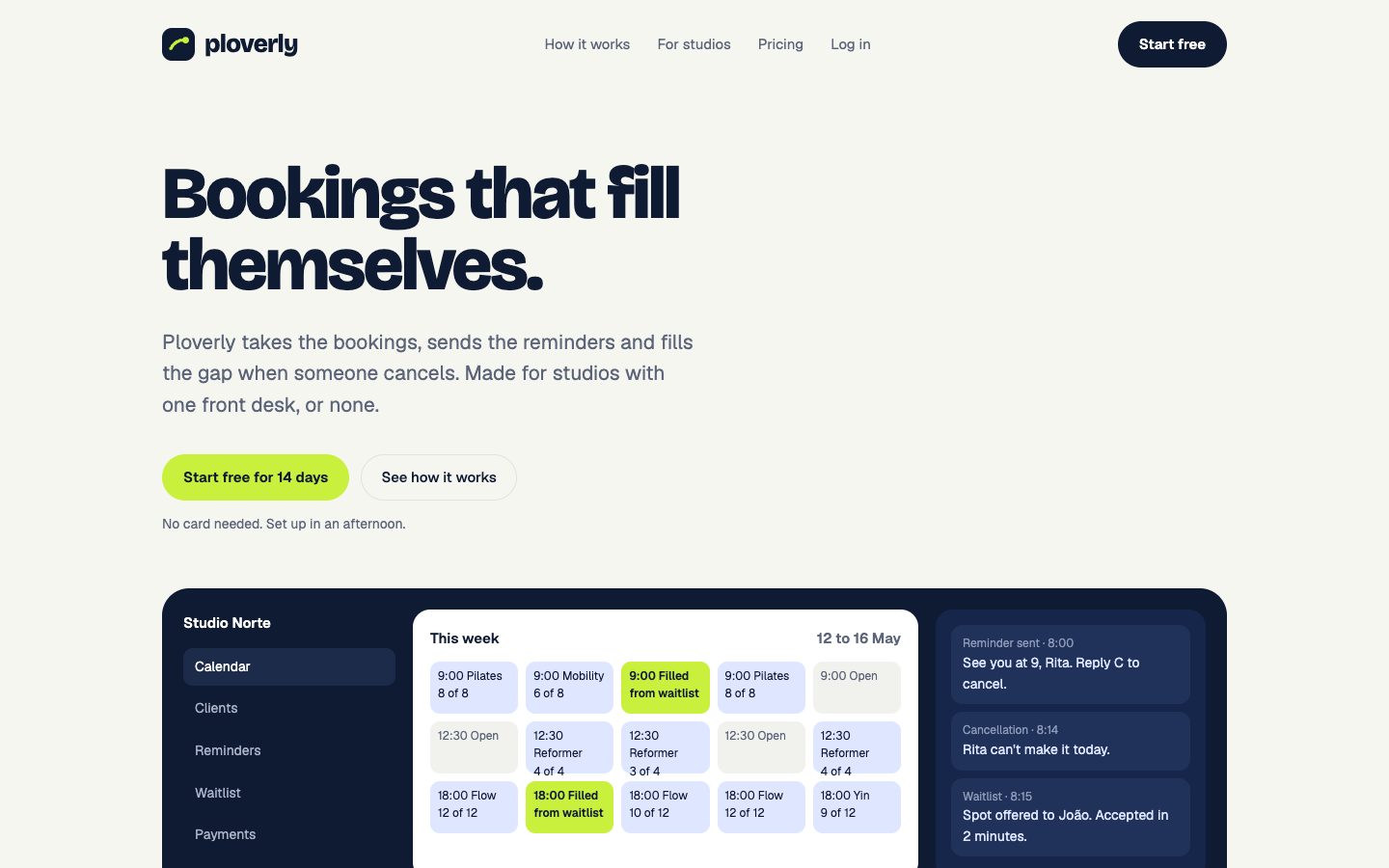
Pick one font for headings and one for body text. Then set a size scale, from large display text down to small captions, with line height and weight for each. Ploverly, a booking app and one of our example brands, uses Bricolage Grotesque for headings and Geist for everything else.
Step 4: Write your voice with real sentences
Skip the adjectives. Pick three traits, and for each one write a sentence you'd use and a sentence you wouldn't. The best "we say" lines come from things you've already published. See brand voice examples for how this looks.
Step 5: Set the logo rules
Show the logo versions, the clear space around them and the most common mistakes. Four mistakes is usually enough: stretched, rotated, recolored, with effects.
Step 6: Show it in use
Add screenshots of your website on desktop and phone, social posts and anything physical: packaging, signage, business cards. Then add the files people need often, like social covers and an email signature.
Step 7: Put it somewhere people can find it
A brand book only works if people open it. Share it as a link, keep a PDF for people who ask, and pin it wherever your team works. If you have developers or use AI tools to build, export your colors and fonts as code as well. See DESIGN.md.
The faster route: start from your website
If you already have a website, most of steps 1 to 6 can be read straight from it: the logo in the header, the colors and fonts in the code, the voice in your own copy, and screenshots of every page.
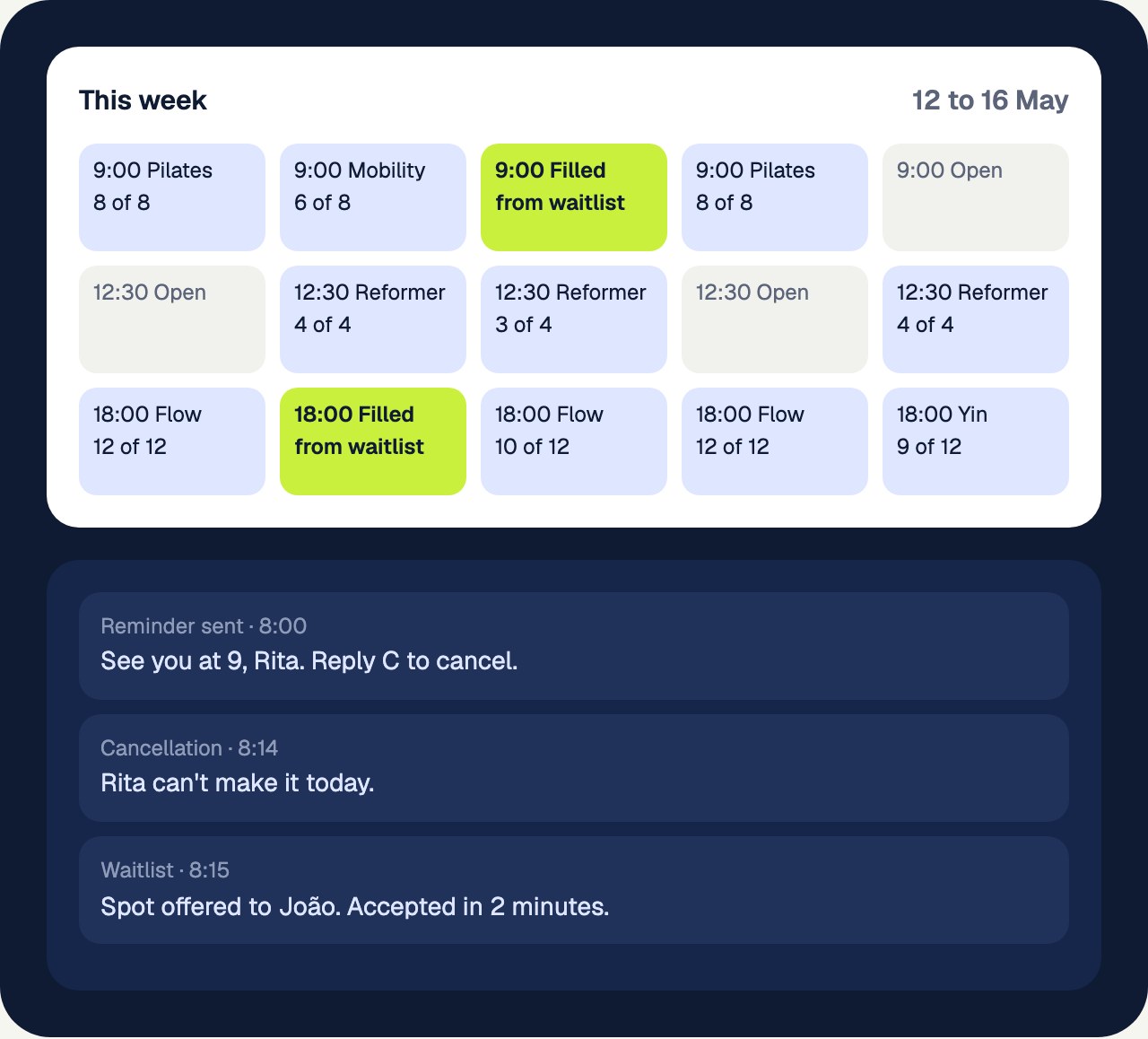
That's what Identitas does. Paste your website and it builds the book: logo, colors with HEX, RGB and CMYK, type, voice from your own sentences, components, screenshots, ready-made files and a design system in six formats. Then you edit anything it got wrong. Ploverly's book was built this way from its homepage.
No website yet? You can start from a name, a short description and a color or two instead.
Common mistakes
- Starting with the layout. A beautiful template with vague content helps nobody. Decide first, design second.
- Inventing a voice. If the book's voice doesn't match how you actually write, people ignore it.
- Making it too long. Every page should answer a question someone will really ask.
- Never updating it. Set a reminder to check it twice a year.
Frequently asked questions
How long does it take to create a brand book?
Doing it by hand, a small business can expect anywhere from a few days to a couple of weeks, depending on how many decisions are still open. Built from an existing website, the first version takes minutes, and editing takes an afternoon.
Can I create a brand book with AI?
Yes, but be careful with tools that invent things. The safest approach uses AI to read and organize what already exists, your real colors, fonts and sentences, rather than writing a brand from scratch.
Do I need a designer to make a brand book?
Not for the first version. You need clear decisions about your logo, colors, fonts and voice. A designer helps when you want to change the brand itself, not just document it.
See your own brand as a book.
Paste your website. The scan is free and takes about a minute.