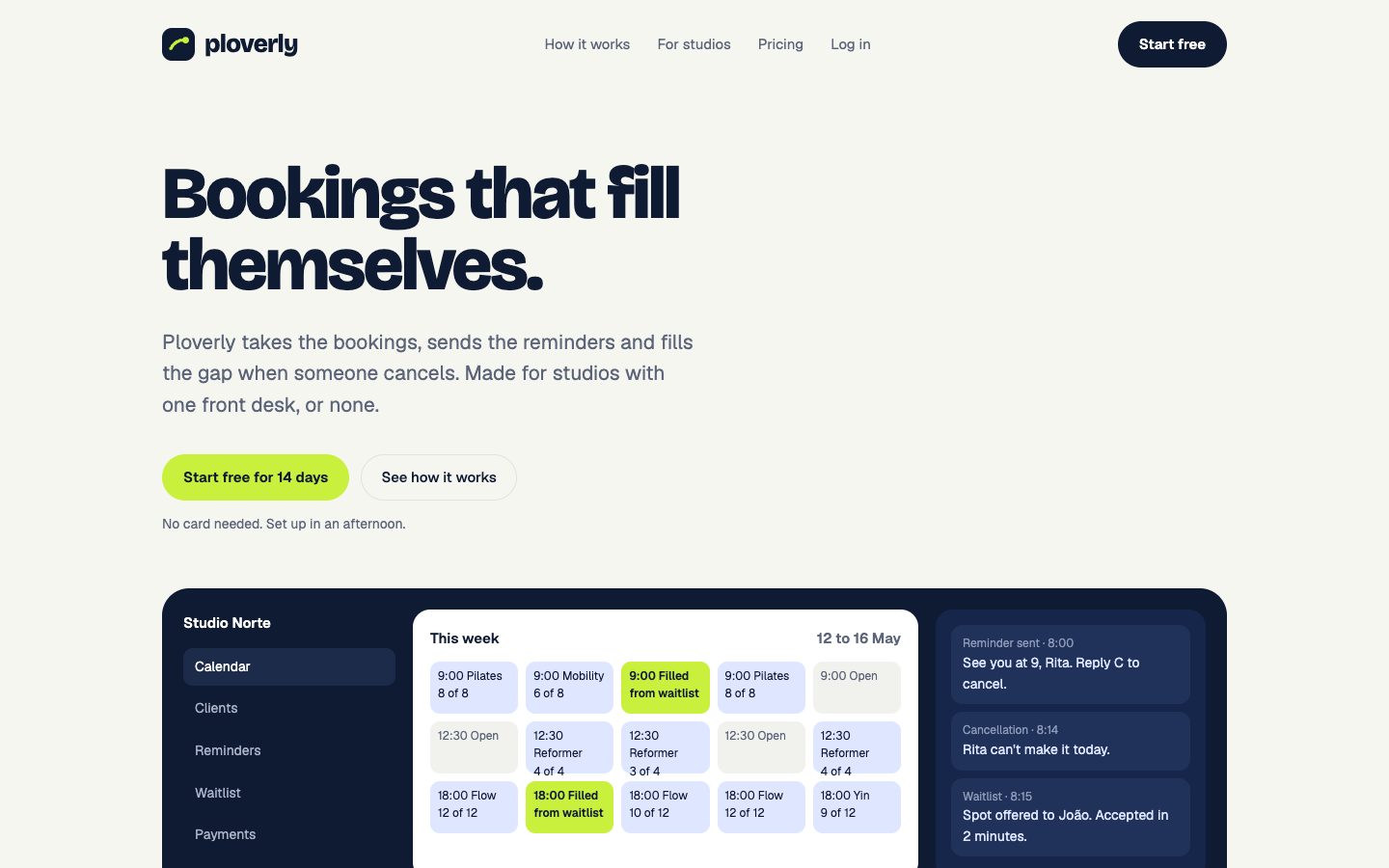
If you build with AI tools, you've probably seen this: you ask for a sign-up page and get something clean, competent and completely generic. Purple gradient, default font, rounded everything. The tool doesn't know your brand, so it guesses.
DESIGN.md is a way to tell it. It's a single text file that describes your design system: colors, fonts, spacing, components and the reasoning behind them. You put it in your project, and AI tools read it before they build.
Where DESIGN.md comes from
The format started in Google's Stitch, an AI design tool, and Google open-sourced the draft specification in April 2026 so any tool could use it. The spec lives on GitHub.
It caught on quickly because it fits how people already work with AI coding tools. They already keep instruction files in their projects for their AI assistants. DESIGN.md does the same job for design.
What goes in a DESIGN.md file
A DESIGN.md has two kinds of content:
- Tokens: the exact values, colors, fonts, sizes, spacing, corners and shadows, written so a tool can read them reliably.
- Guidance: plain-language rules on how to apply them. When to use the primary color, how buttons look, what to avoid.
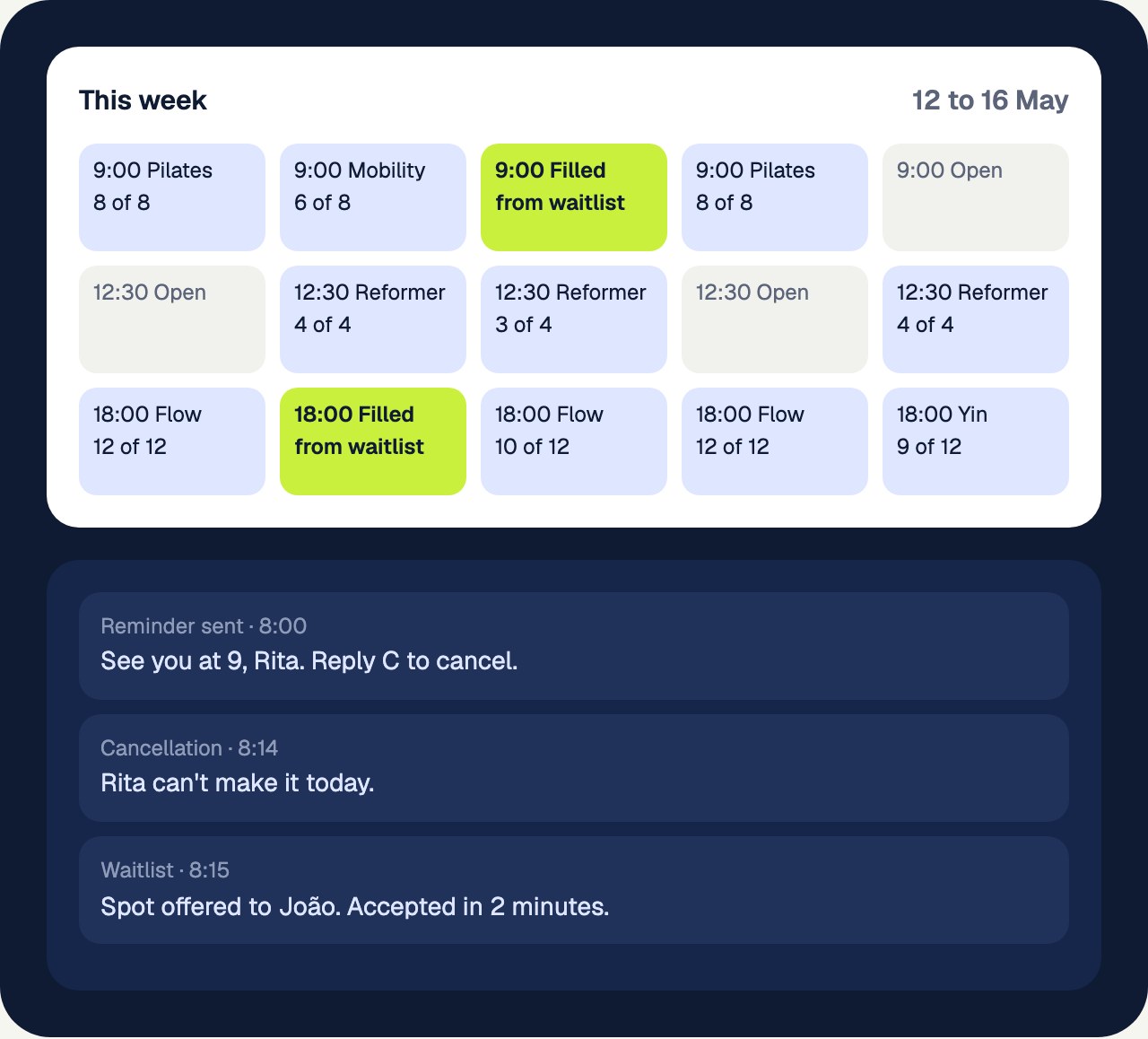
Here's a shortened version of the DESIGN.md for Ploverly, one of our example brands:
# Ploverly design system

Use this file when building anything for this brand. Follow it
exactly; when something is missing, pick the closest token
rather than inventing new values.

## Colors

| Token      | Value   | Use for                             |
| ---        | ---     | ---                                 |
| background | #f6f6f1 | Page background                     |
| text       | #0f1b33 | Body text and headings              |
| primary    | #0f1b33 | Main buttons, links and key actions |
| on-primary | #ffffff | Text and icons on primary           |
| accent     | #c8f03c | Highlights and secondary emphasis   |

Rules:
- Use primary for the single most important action on a
  screen, not for decoration.

## Typography

- Headings: Bricolage Grotesque, from Google Fonts.
- Body: Geist, from Google Fonts.

## Components

- Primary button: primary background, on-primary text,
  radius-button, body font at 15px, medium weight.
The full file also includes a type scale, spacing steps, corner sizes, shadows, voice examples and the tokens as CSS.
How to use it
- Put DESIGN.md in the root of your project, next to your README.
- Tell your tool about it. Some tools pick it up on their own. Otherwise, mention it in your project instructions ("Follow DESIGN.md for all design decisions") or in the prompt.
- Check the first screen it builds. If it ignores something, make that rule more explicit in the file.
It works with any AI tool that can read files in your project: Claude, Cursor, Lovable and others. For tools that only take a prompt, you can paste the contents in.
What it's good at, and its limits
DESIGN.md is great for getting the look right quickly: new projects, prototypes, landing pages, and teams without a formal design system.
It has limits. Atlassian tested it against their own tooling and found that for a large, mature design system, a single file is less efficient than connecting tools straight to their component library: it used more tokens, and agents tended to rebuild components instead of reusing existing ones. Their takeaway was that DESIGN.md fits early-stage and portable work best.
For most small teams and solo builders, that's exactly the situation they're in.
DESIGN.md and your brand book
A DESIGN.md is the screen-building part of your brand, written for machines. It works best when it comes from the same decisions as your brand book, so your website, your slides and your AI-built app all match.
Every Identitas book includes a DESIGN.md, alongside CSS variables, Tailwind v4 and v3 themes, a shadcn/ui theme and design tokens in JSON, all built from the same colors, fonts and voice as the book. Here's Ploverly's:
Open the book and go to the design system pages to see the full file.
Frequently asked questions
What is a DESIGN.md file?
A plain text Markdown file that describes a design system, its colors, fonts, spacing and components, plus rules for using them, so AI tools can build interfaces that match a brand.
Who created DESIGN.md?
It started in Google's Stitch, and Google open-sourced the draft specification in April 2026 so it could be used in any tool.
Does Cursor or Claude read DESIGN.md automatically?
It depends on the tool and your setup. The reliable approach is to keep DESIGN.md in your project root and tell the tool to follow it in your project instructions or prompt.
See your own brand as a book.
Paste your website. The scan is free and takes about a minute.